GUIDE · 7 MIN READ
How to talk to someone online who doesn't speak your language
You met someone online, or you want to call a cousin in another country, or you're just curious about talking to someone whose first language is nowhere near yours. Google Translate kinda works for text. Phone calls get awkward fast. Here's what actually works in 2026.
The three options you have right now
There are only three real patterns for talking to someone in a different language without having to learn theirs first:
- Text translation, back and forth. You type, Google Translate renders it, they read, they reply, repeat. Works for small talk. Falls apart the second anyone wants nuance, tone, or a conversation that moves at human speed.
- Captions over a live call. Zoom, Google Meet, and FaceTime now ship live transcription with translation. The captions work. Translated audio either doesn't exist or sits in a separate app you have to layer in. The caption-only experience is awkward because the voice you hear is one language and the text you read is another, and your brain burns a lot of cycles bridging them.
- Translated voice plus captions, in the same call. You speak in your language, the other person hears translated speech in theirs, and both of you see captions in your own language on screen. This is the one that feels like a conversation.
What translated voice plus captions actually feels like
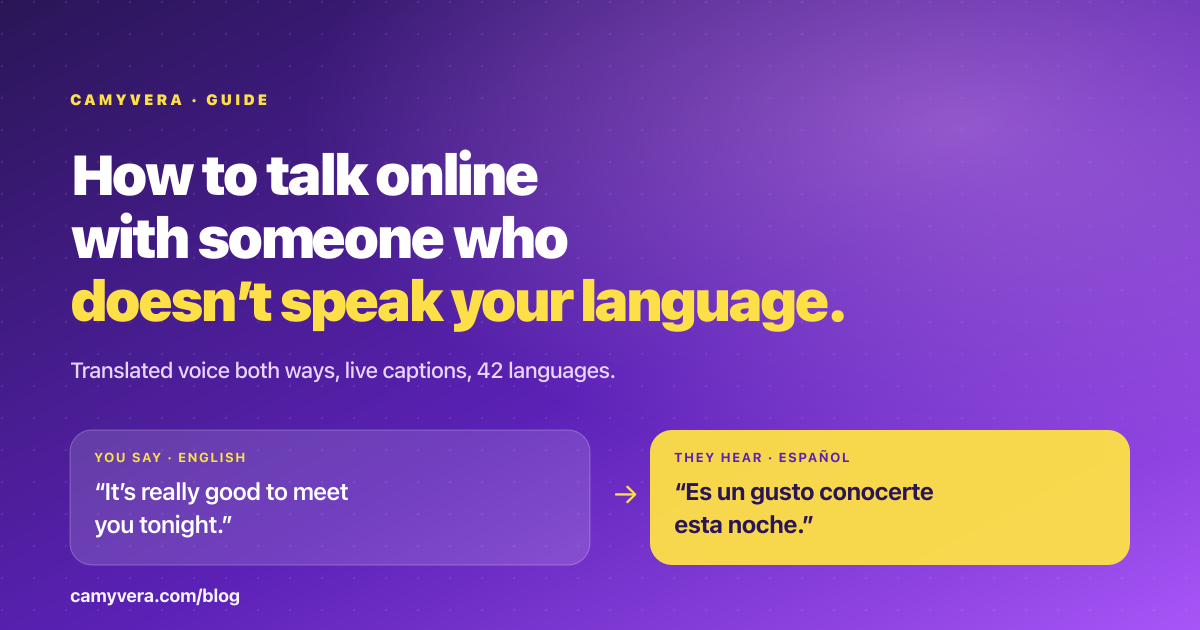
The first time you use it, the pattern takes about 30 seconds to click. You say “Hey, how are you?” and then there's a pause — about one and a half to three seconds, usually closer to the fast end. Then the other person hears “Hola, ¿cómo estás?” in a natural voice, and the caption pops up on their screen. They reply in Spanish. Same pause, then you hear “I'm good, thanks for calling,” and read the caption.
The pause is the one thing that takes getting used to. After a minute or two of short turns, you both learn to pace a bit slower than a native-language call. In exchange, you get a conversation that can go anywhere — jokes, feelings, news, catching up — instead of being trapped in “Where are you from?” and “What's your favorite food?” forever.
Which languages work?
On Camyvera's live translation, 42 output languages are supported. The ones that come up most often in cross-border friendships and family calls:
- Spanish, Portuguese, French, Italian, German, Dutch, Polish, Ukrainian, Russian, Romanian, Hungarian, Czech, Swedish, Norwegian, Finnish, Greek, Turkish for Europe and LATAM.
- Hindi, Bengali, Tamil, Telugu, Marathi, Kannada, Gujarati, Urdu, Vietnamese, Tagalog, Indonesian, Malay, Korean, Japanese, Chinese for South and Southeast Asia.
- English on the other side, almost always.
Recognition and translation quality can shift with strong accents, mixed-language speech, or heavy background noise. Short clear turns stay accurate; long paragraphs with slang drop a bit more.
How to actually start the call
Three steps.
- Find a Maven in the directory. Each Maven's profile shows the languages they speak natively — you can pick someone whose first language is different from yours on purpose.
- Start the audio or video call. Before you connect, both of you see a prompt: “Enable live translation?” and you each pick the language you want to hear. Both have to tap yes before translation turns on. Nobody is translated without agreeing to it.
- Talk normally. Watch the captions when you want to double-check a word. If translation starts feeling in the way, either of you can turn it off and go back to the original voice.
What it costs
Live translation is an optional $0.10-per-minute add-on, on top of the Maven's displayed call rate. If their rate is $1/minute and you talk for 20 minutes with translation on, that's $20 for the Maven's time plus $2 for translation — $22 total. The cost shows clearly on the call screen before you turn it on, and you can turn it off any time.
Why not just rely on English?
Most people in the world don't speak English comfortably. Even people who “speak English” often mean they can read menus and understand slow TV — not that they're comfortable having a 40-minute conversation about their day. Forcing a shared second language puts both of you at a disadvantage, and the person whose English is worse ends up quiet.
Translated voice plus captions flips that. You both speak your first language — the one you think in, the one you're funny in, the one you can tell a story in — and the technology bridges it. The conversations are different.
Common cases where this helps
- Staying in touch with family who moved away. Grandparents, in-laws, cousins — people whose first language you only kind of share. Captions become a learning aid.
- Making friends across borders. If you've ever thought “I wish I knew someone in Brazil / Japan / Germany,” this removes the language gate.
- Learning a language. Translated voice is a safety net while you practice. Captions in both languages double as a vocabulary cheat sheet.
- Finding people with shared interests abroad. Talk to Mavens who live what you love — music, cooking, sport, travel — without language deciding who you get to meet.
Ready to try it
Open the live translation page for the full feature details, or jump straight to the Maven directory and start a call with someone whose first language is different from yours. The hardest part is picking the first person to call. The actual conversation is easier than you think.